608-831-0025 (International)
800-261-4446 (U.S.)
Resources
Webinars and Videos
Publications
- Beyond MU Checks: IMSure 3D™ with SciMoCa™ for Independent Second Dose Check
- Independent Secondary Dose Calculation for Patient-Specific Quality Assurance: Quantitative Benefit of Monte–Carlo and Custom Beam Modeling
- Routine Machine Quality Assurance Tests for a Self Shielded Gyroscopic Radiosurgery System
- Feasibility Study Using HDR 1000+ Well-Type Ionization Chambers
- Feasibility Study Using HDR 1000+ Well-Type Ionization Chambers
- Whats New ESTRO 2025
- Transforming Radiation Therapy: Standard Imaging's Adaptivo In Vivo EPID Dosimetry Solution for Personalized Treatment Precision--A Comprehensive Clinical Use Case Review
- Evaluation of the Exradin A19 Ion Chamber for Reference Dosimetry in Megavoltage Photon Beams
- Evaluation of a Water-proof, Homogeneous Farmer-Type Ion Chamber for Orthovoltage and High Energy X-Rays and Electron Beams
- Commissioning and Cross-Comparison of Four Scanning Water Tanks
Related Products
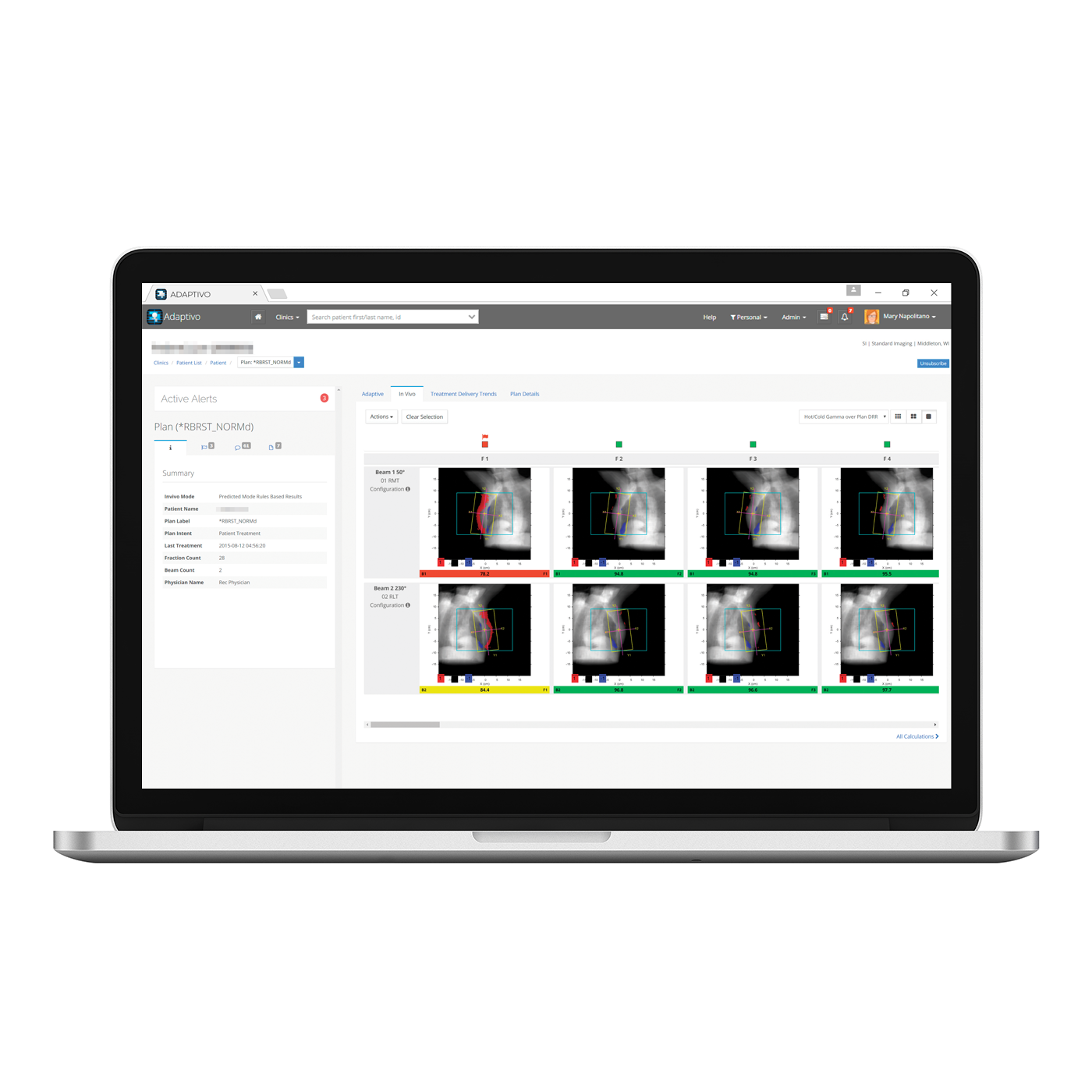
Radiotherapy is constantly changing, therefore we need to adapt.
Adaptivo completes plan delivery verification automatically and sends alerts based on preconfigured criteria, so physics...
Learn More
Learn More


IMSure QA Software
Easily expedite accurate second checks for patient plan QA for a broad range of...
Learn More
Learn More
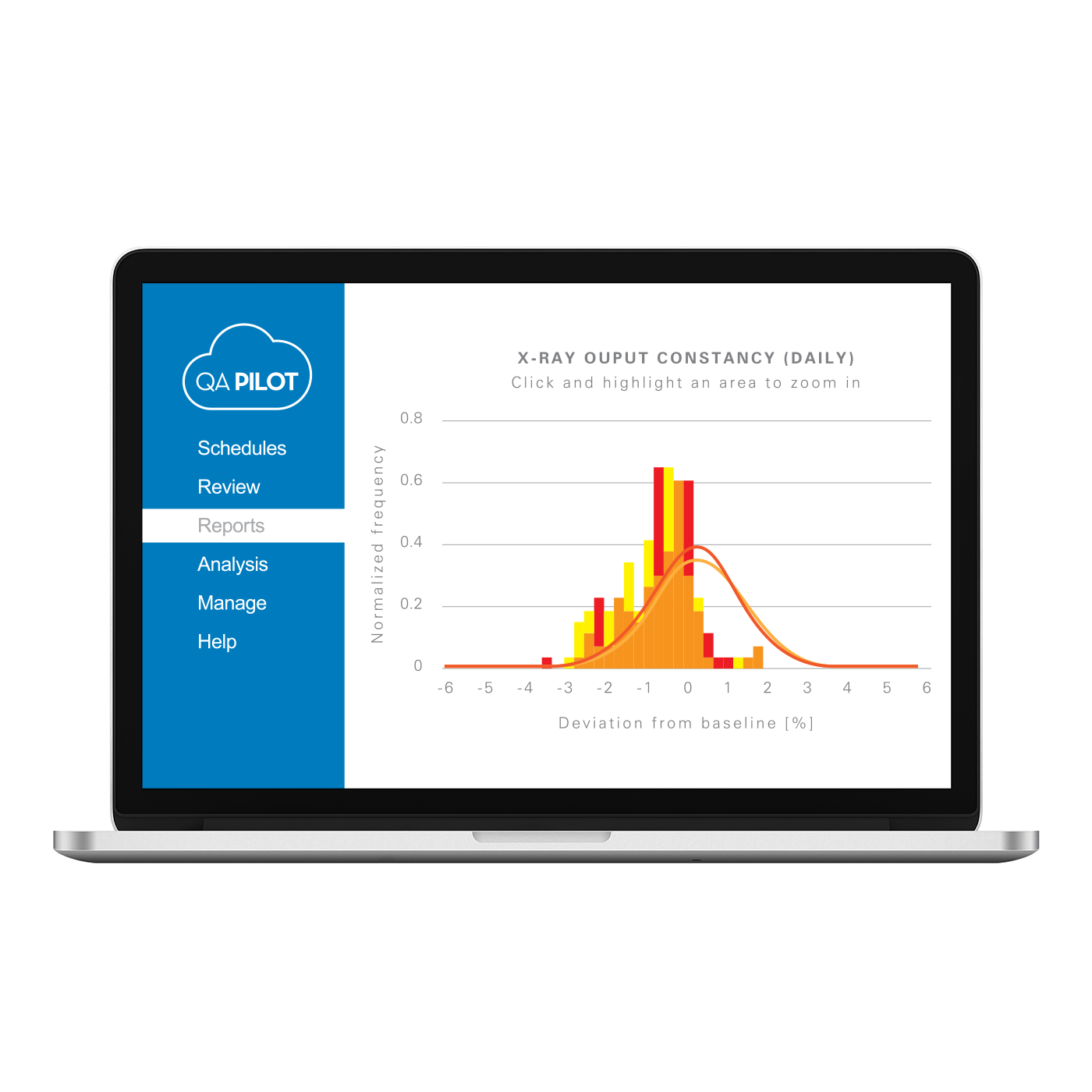
QA Pilot™
Implement daily, monthly and yearly reports in a program built around TG-142, allowing you to...
Learn More
Learn More

Comprehensive TG-142 Imaging & Machine QA
An optimized workflow and automated analysis solution for your TG-142 QA test protocols.
Learn More
Learn More
Reduce time for QA & increase patient safety
Understand your Machine QA at a glance and automate image-based & templated tests.
Learn More
Learn More
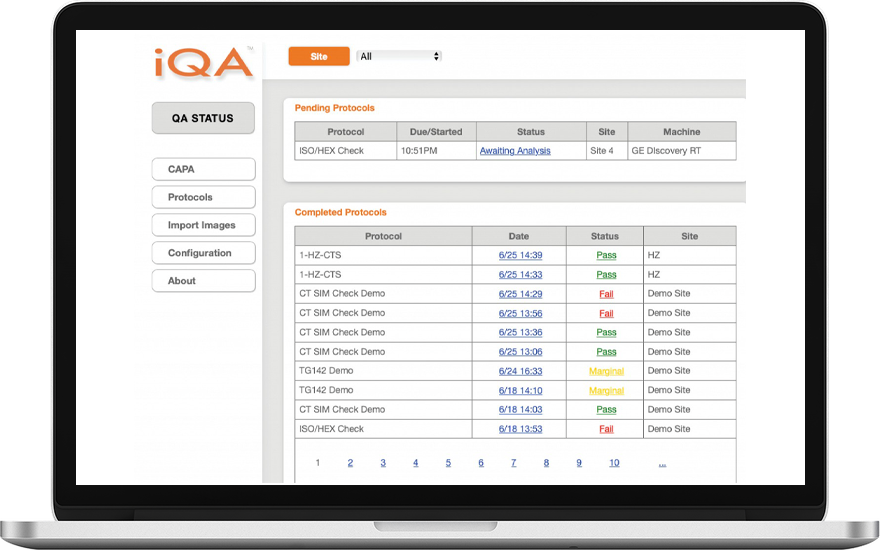

QA Pilot™ with PIPSpro™ AutoPilot
Implement daily, monthly and yearly reports in a program built around TG-142, allowing you to...
Learn More
Learn More
We Are Here to Help
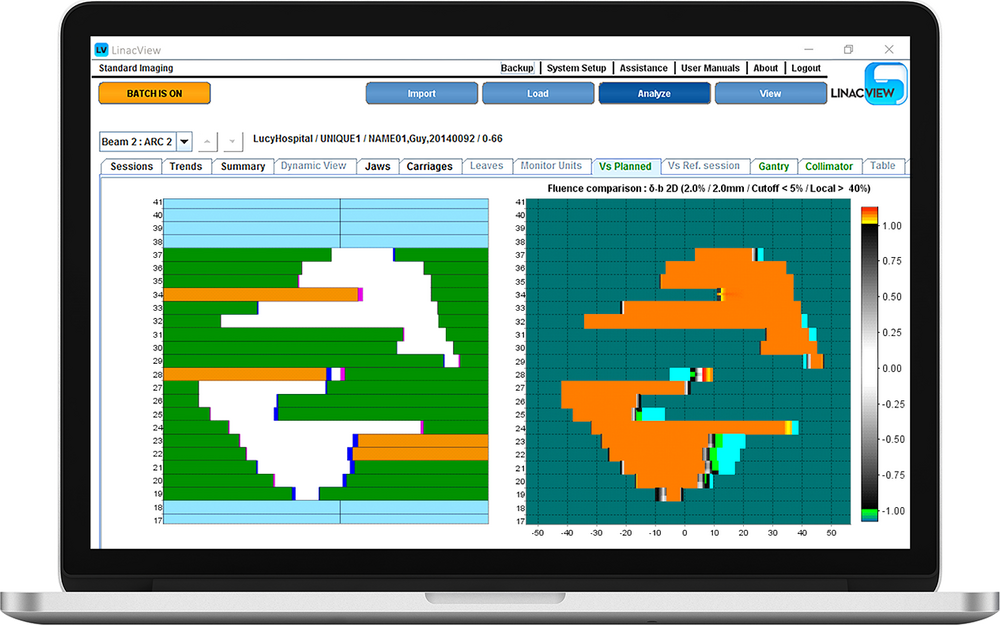
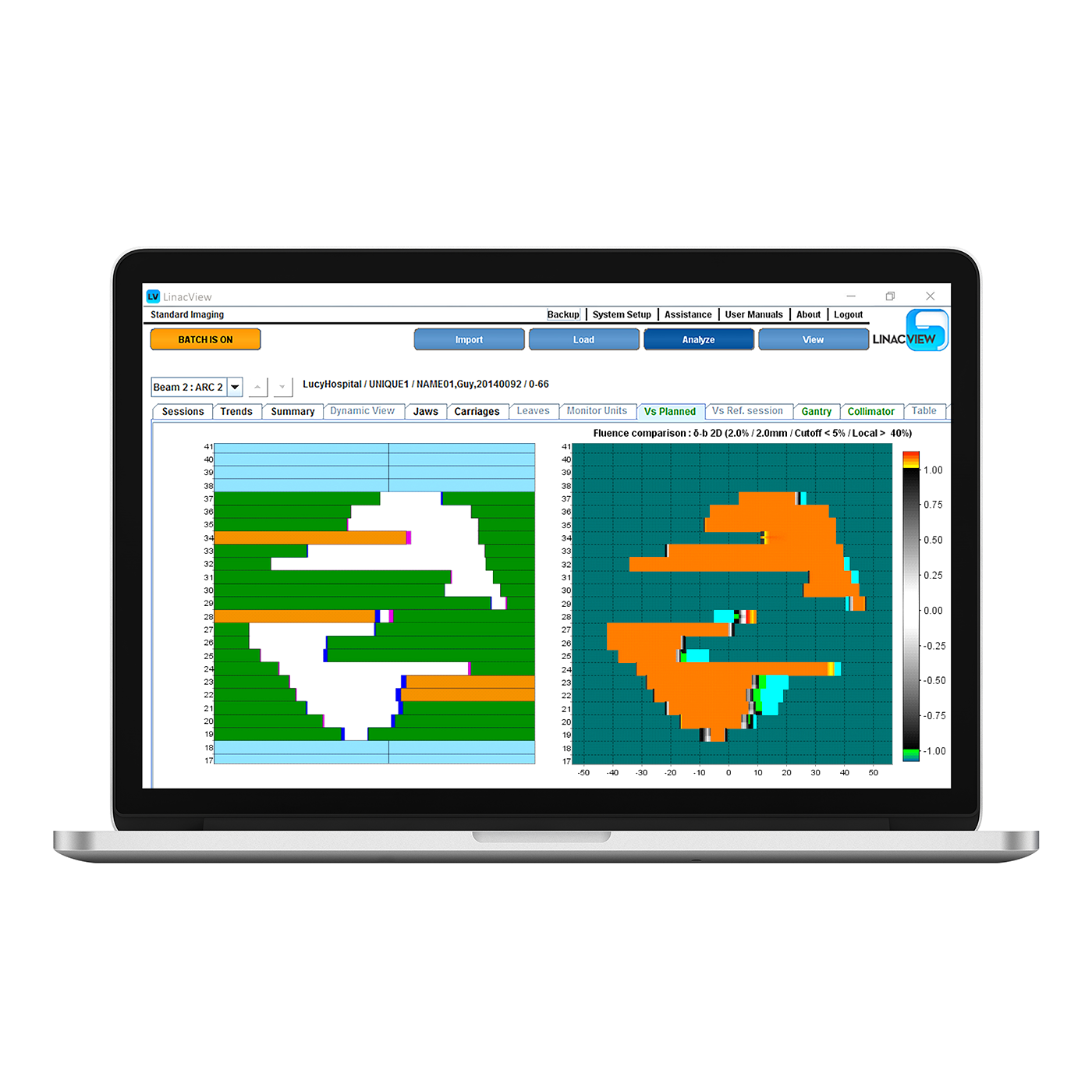
Get Pricing for LinacView™
Your Wisconsin Rep is Here to Help Change Location
Change Location
Contact Us
Online Chat
We encourage you to contact our customer service and support team.
Customer Care
For best service, login to your account.