608-831-0025 (International)
800-261-4446 (U.S.)
Specifications
Jump to:
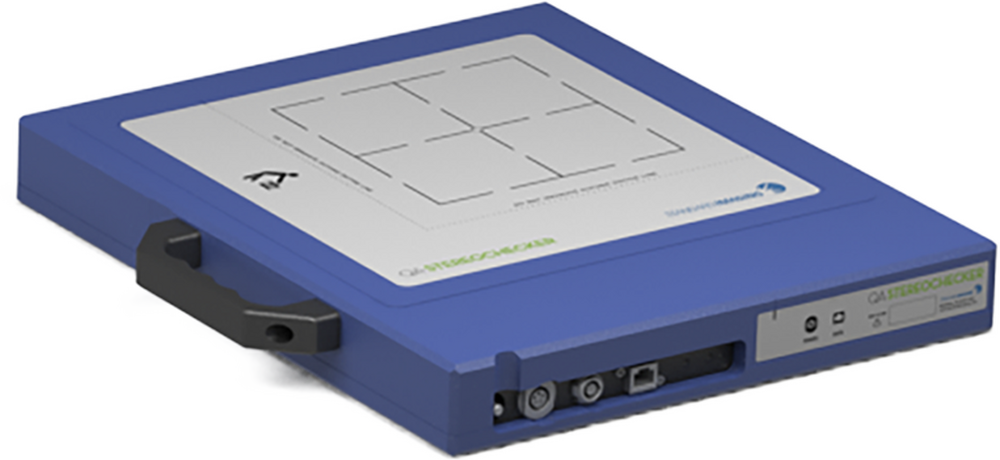
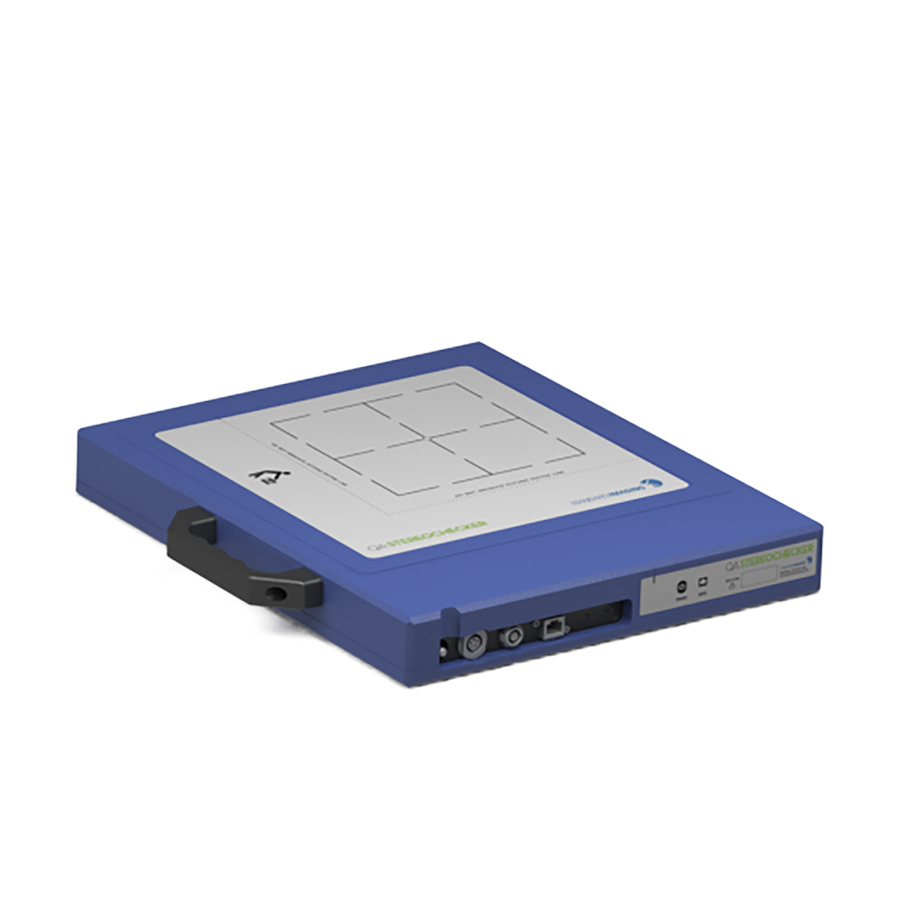
| Dimensions | 38.7 cm L x 32.7 cm W x 4.9 cm H |
| Photons | 60Co to 15 MV |
| Sensor | |
| Total Pixel Number | 1024 x 1024 |
| Active Pixel Number | 1000 x 1000 |
| Pitch | 200 µm |
| Total area | 204.8 x 204.8 mm2 |
| Electronics | |
| ADC | 16 bit, 1 MSps |
| Detector | |
| Dynamic Range | > 88 dB |
| Scintillator | Gd2O2S:Tb |
| Software Specifications | |
| Operating system | Windows® 10 Professional |
| Processor | Intel Core (At least dual-core recommended) |
| Memory | 8 GB RAM (16 recommended) |
| Hard Drive | 2 GB Free (20 GB Recommended) |
| Screen resolution | 1024 x 768 or higher |
| Ports | RJ45 (Ethernet) |
Resources
Webinars and Videos
Publications
- Beyond MU Checks: IMSure 3D™ with SciMoCa™ for Independent Second Dose Check
- Independent Secondary Dose Calculation for Patient-Specific Quality Assurance: Quantitative Benefit of Monte–Carlo and Custom Beam Modeling
- Routine Machine Quality Assurance Tests for a Self Shielded Gyroscopic Radiosurgery System
- Feasibility Study Using HDR 1000+ Well-Type Ionization Chambers
- Feasibility Study Using HDR 1000+ Well-Type Ionization Chambers
- Whats New ESTRO 2025
- Transforming Radiation Therapy: Standard Imaging's Adaptivo In Vivo EPID Dosimetry Solution for Personalized Treatment Precision--A Comprehensive Clinical Use Case Review
- Evaluation of the Exradin A19 Ion Chamber for Reference Dosimetry in Megavoltage Photon Beams
- Evaluation of a Water-proof, Homogeneous Farmer-Type Ion Chamber for Orthovoltage and High Energy X-Rays and Electron Beams
- Commissioning and Cross-Comparison of Four Scanning Water Tanks
Related Products
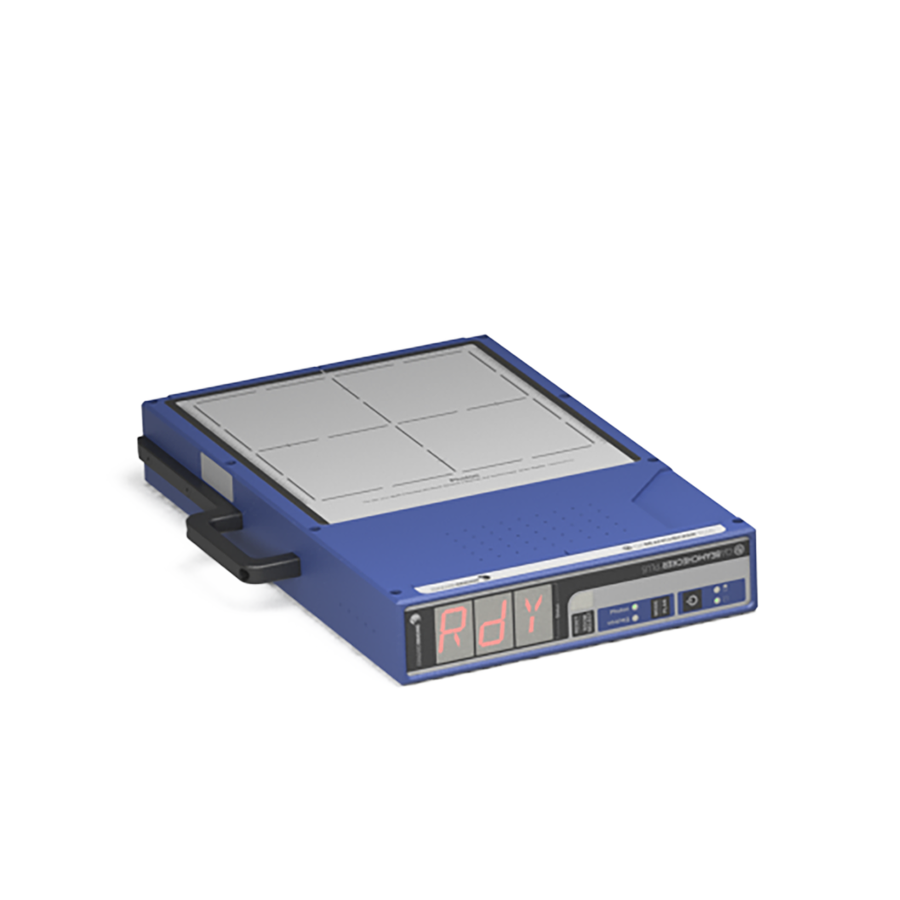
QA BeamChecker™ Plus
Save time with fewer trips in and out of the vault, automatic energy detection, quick...
Learn More
Learn More
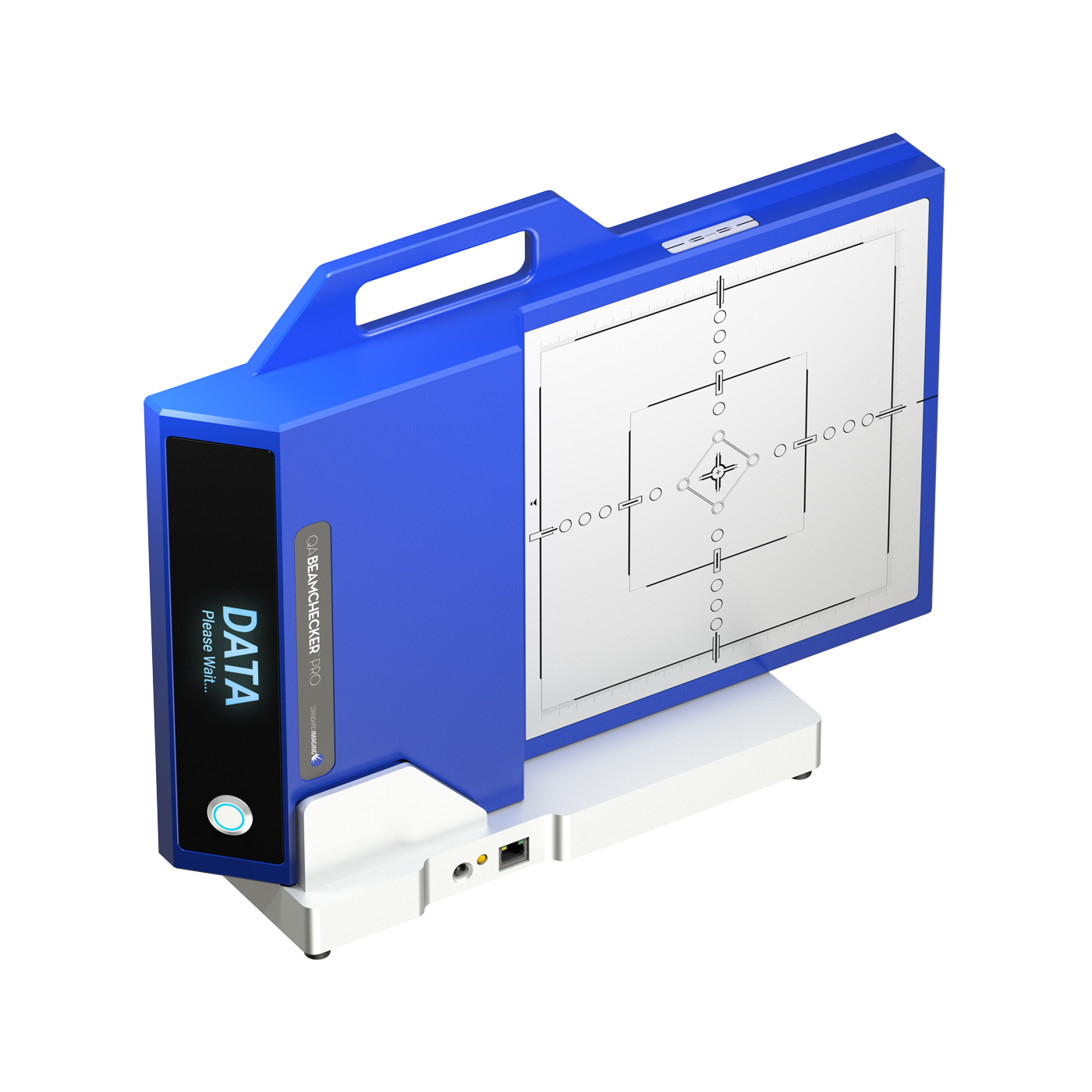
QA BeamChecker™ Pro
Maximize the efficiency of your essential daily linac performance checks using the power of automatic...
Learn More
Learn More

Alignment without hassle
CyberCross™ converts the CyberKnife® laser beam into a laser reticle.
Learn More
Learn More

Allows morning QA by therapists
Equipped with implanted fiducial markers which allow for accurate alignment of the QABC+ using the...
Learn More
Learn More
We Are Here to Help
Get Pricing for QA StereoChecker™
Your Wisconsin Rep is Here to Help Change Location
Change Location
Contact Us
Online Chat
We encourage you to contact our customer service and support team.
Customer Care
For best service, login to your account.